Lost doesn't mean gone.
It usually means unreachable.
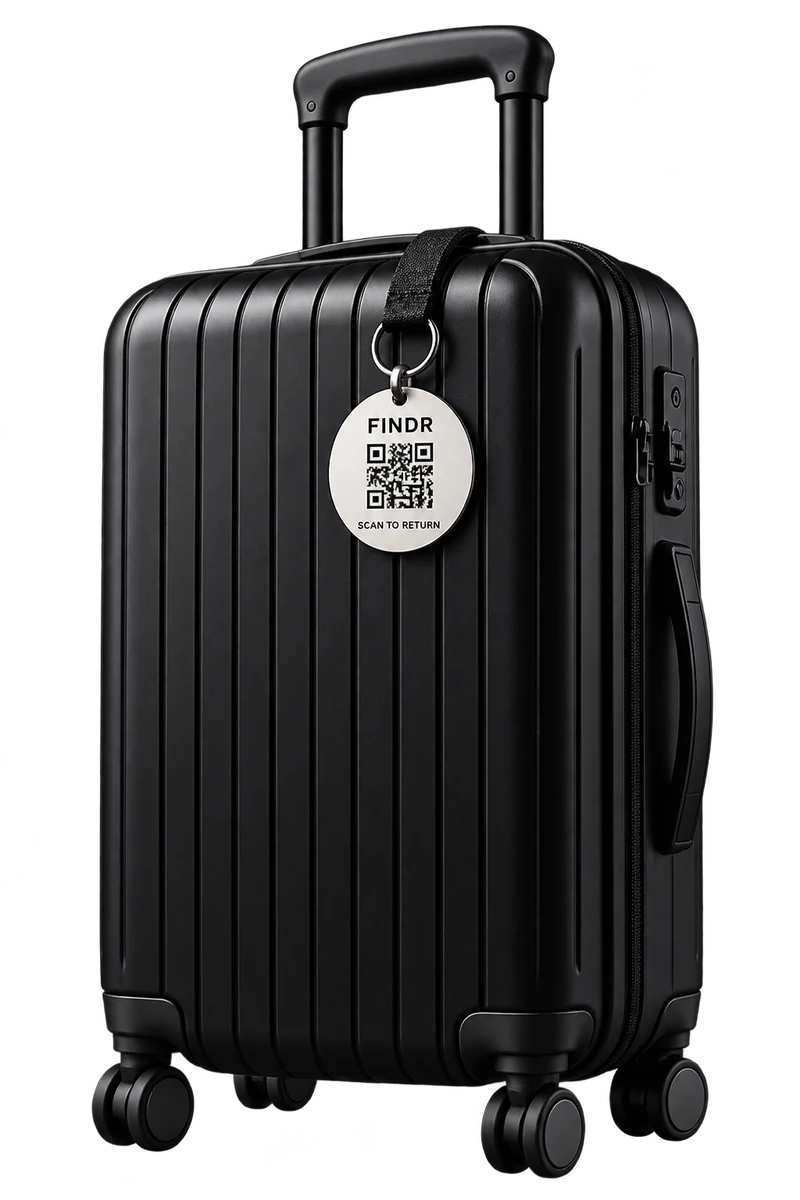
Findr gives your belongings a way back home. Attach a QR code, and an honest finder can reach you without ever seeing your phone number.
Launching soon
It usually means unreachable.
Findr gives your belongings a way back home. Attach a QR code, and an honest finder can reach you without ever seeing your phone number.
Launching soon
One account, a QR code for every item, and a private way for finders to reach you.
Each belonging gets its own code and its own page, so you always know what was found.
Download a QR as an image, or print a sheet of several as a PDF.
Finders message you through Findr. No phone numbers or emails change hands.
Get notified the moment someone scans your code and starts a conversation.
Manage your items, conversations and subscription in one place.
Close the loop once your belonging is back with you.
You print the QR yourself. Use a local print shop, sticker sheets or your home printer. There are no tags to order and nothing to wait for.
Set up takes a few minutes. After that, it works quietly in the background.
Add an item to your account and download its unique QR code.
Print the code anywhere and stick it on your bag, laptop, keys or wallet.
If someone finds your item, they scan the code and write to you through Findr.
When someone scans your QR, they message you through Findr. Your phone number and email stay private, and you choose what the item page shows.
From scan to reply, all of it happens inside Findr.
The finder's scan page
Your alert
The conversation
Pick how many belongings you want to protect. Every plan includes the full recovery experience.
Protect 3 belongings
Protect 5 belongings
Protect 10 belongings
Each plan includes QR generation, item pages, finder chat, email and in-app alerts, and your dashboard. Launch pricing: final prices are confirmed before go-live.
You register an item and get a unique QR code. Print it and attach it. If someone finds the item, they scan the code and message you through Findr. You get an email and an in-app alert, and you reply from your dashboard.
No. You download your QR code and print it yourself. Nothing is shipped to you.
Anywhere: a local print shop, a sticker sheet, a label printer or your home printer. Your downloads are sized for clean, high-resolution printing.
No. The finder scans the code and starts a conversation straight away.
Yes. You need one to register items, receive alerts and reply to finders.
No. Finders contact you through Findr, so your phone number and email are not shown to them.
Your QR codes stay protected while your subscription is active. We will publish the full renewal and expiry details before launch.
Yes. Every plan covers several items: 3, 5 or 10, each with its own QR code.